Best Social Media Apps for Businesses (2026 Guide)

Last Updated: September 18, 2026
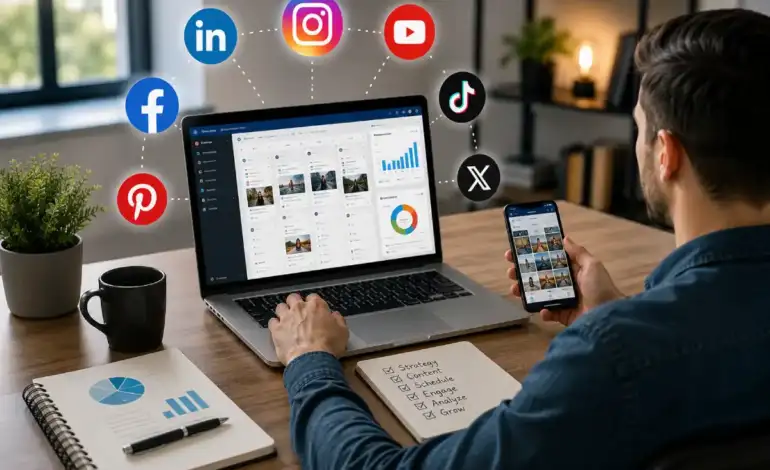
Talked to a marketing manager recently who had nine social media apps on her phone. Asked her which ones she actually used. Four, regularly. Two, occasionally. The other three she kept meaning to get back to. Her content was still inconsistent, her team was confused about what was supposed to go where, and adding more tools had made nothing better. That’s not an unusual situation. It’s the default situation for most businesses trying to figure out social media without a clear framework for what they actually need.
What’s below is organized by what job each category of app is supposed to do — not by which tools have the best affiliate programs or the most search volume. Five categories, five different problems they solve.
Jump to whatever category matches where things are breaking down. Each section has a links to the full guide, if you need to go into more detail than the overview.
Business Social Media Apps: Which Platforms Are Worth Your Time
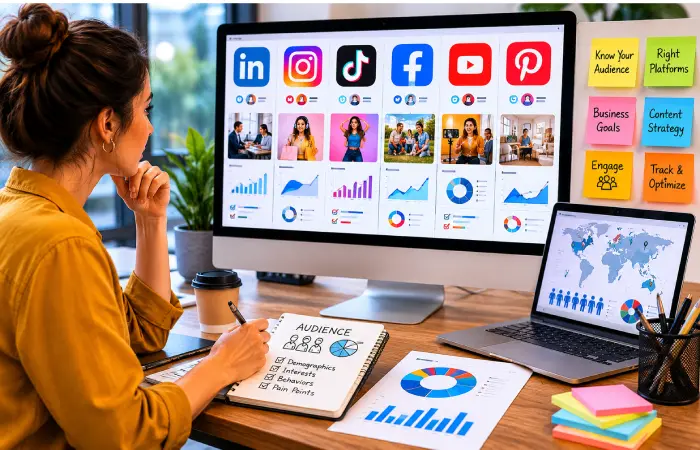
Before any tool conversation — before Buffer versus Hootsuite, before free plans versus paid — there’s one question that actually matters more than all of them: which platforms are your buyers on? According to the Pew Research Center’s social media usage research, platform adoption varies significantly by age, demographics, and audience segments, making audience-platform alignment one of the most important decisions before investing in social media tools. Get that wrong and nothing else you do with social media is going to work.
A LinkedIn profile last updated eighteen months ago. An Instagram account with eleven posts. A Facebook page with four reviews, none of them responded to. That’s what trying to be on every platform looks like in practice for a small team. And that scattered half-presence does real damage — someone looking you up to decide whether to work with you sees it and draws conclusions.
Platform Priority by Business Type :B2B and professional services: LinkedIn, full stop, plus YouTube if you can do video. Consumer products and lifestyle brands: Instagram remains the anchor, TikTok if your audience is younger. Local businesses plumbers, dentists, estate agents, restaurants: Facebook and Google Business Profile are more important than any social app. The trendy platform is rarely the right answer for a business that serves a local or professional market.
What to look at by platform
- LinkedIn — B2B lead generation, recruiting, thought leadership
- Instagram — Visual products, lifestyle brands, e-commerce
- TikTok — Younger demographics, organic reach still strong in 2026
- Facebook — Local businesses, community groups, paid advertising
- YouTube — Long-form content, product demos, SEO-driven video
- Pinterest — Niche consumer products, high purchase intent
Two platforms, actually active. That’s the target. Add more when two feel completely effortless to maintain.
Social Media Management Apps: Stop Logging Into Every Platform Separately
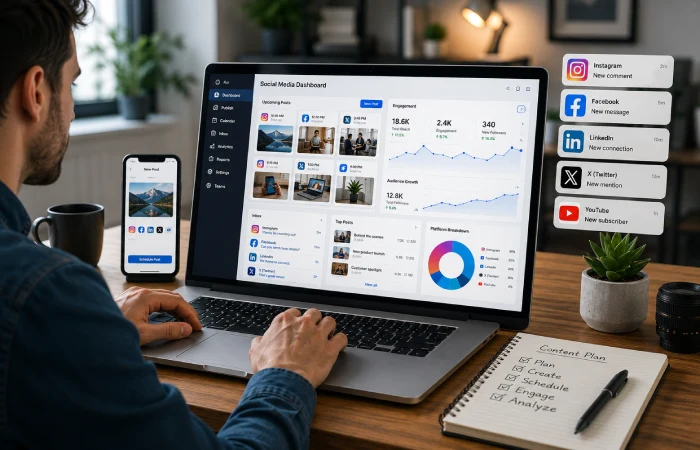
The manual solution — if I log into IG, then Facebook, then LinkedIn, check their inboxes, create the post, then create it on each platform‘s built-in editor — will work fine until it doesn‘t It‘ll stay intact for two or three weeks before something breaks. An unresponded DM. A post that never went out. A week where nothing published because the person who usually does it was traveling. Management tools exist specifically for that problem: one login, everything visible in one place.
What you actually need from a management tool is a short list. Scheduling across multiple platforms. An inbox that pulls messages from all of them. Post-level analytics — reach, clicks, engagement. The ability to add a second or third person without upgrading to an expensive plan. Everything beyond that is genuinely optional. AI writing features, social listening, competitor tracking — useful if you use them, but not the basis for a tool decision.
| App | Best For | Key Advantage |
| Buffer | Best for small teams and solopreneurs | Free plan available; clean scheduling UI |
| Hootsuite | Best for mid-size and enterprise teams | Full analytics suite; steep learning curve |
| Later | Best for Instagram-first brands | Visual calendar; strong link-in-bio tool |
| Sprout Social | Best for agencies and large teams | Deep analytics and CRM integration |
| Metricool | Best for budget-conscious businesses | Strong free tier; covers most major platforms |
What most businesses actually need
- Scheduling posts in advance (at least 1–2 weeks out)
- One dashboard for notifications and messages
- Basic analytics: reach, engagement rate, follower growth
- At least one other team member with access
Start on the free plan. Every serious management tool has one. If you hit the limits within thirty days, upgrade. Most small business teams don’t hit them for months, if at all. Paying $100/month for software you’re using to schedule six posts a week is one of those small budget leaks that’s easy to justify and easy to ignore.
Social Media Marketing Apps: Tools That Actually Drive Growth
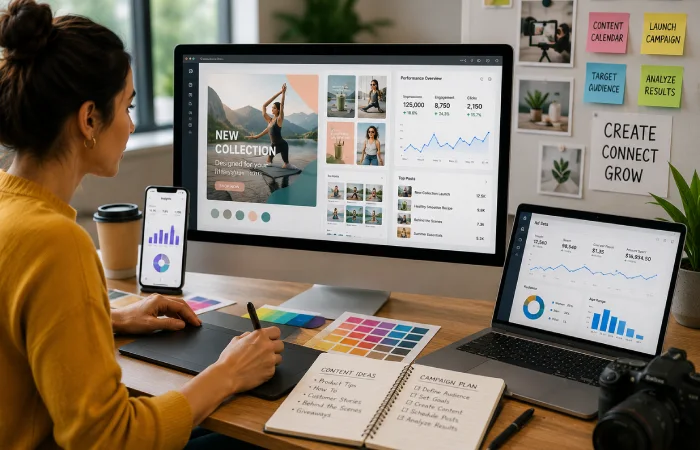
There’s a reason businesses buy a management tool, use it consistently for six months, and then report that their social media still isn’t growing. Management tools are not growth tools. Scheduling your posts reliably and keeping your inbox under control — that’s the job they do. Getting more followers, generating leads, running ads, creating content that actually performs — that’s a different category of tool entirely.
There‘s more variety of marketing apps: Canva for design; Meta Ads Manager for paid social; Sprout or native analytics for deeper performance data; influencer tools if it‘s relevant. You won‘t be using all of them at once!. But if the business needs social media to actively generate something — leads, sales, website traffic, brand awareness at scale — there has to be at least one marketing-category tool in the mix. Businesses should also align their social media efforts with broader digital marketing objectives, as outlined in the Google Digital Marketing & E-commerce learning resources, which emphasize integrating content, audience targeting, analytics, and conversion-focused campaigns. Organic content alone doesn’t move fast enough for most businesses.
The short stack that works for most businesses
- Canva — Graphic design without a designer. Templates for every platform, fast output, good free tier.
- Meta Ads Manager — Still the most powerful paid social tool available. Required reading if Facebook or Instagram is in your mix.
- Tik Tok Ads Manager If Tik Tok is a top channel their native ad tool has great targeting and lower CPMs than Meta for some (though not all) audiences
- Klaviyo / Mail chimp: Technically email but social and email are collaborating. Using social traffic as captured into your email, is being done far too little by any small business.
On AI Tools in 2026 : Every major management platform has AI writing features now. They’re fine for rough drafts and brainstorming. They’re not fine as final copy. Posts that sound like they came straight out of a generator receive significantly less engagement that posts that sound like a real person. Use the AI to start, then rewrite before you post.
Read More: Social Media Marketing Apps
Apps for Business Promotion: Beyond Organic Posting
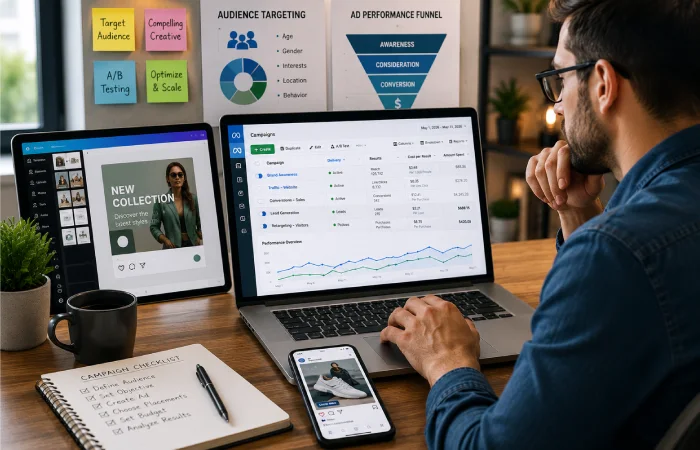
The organic reach of socialmedia isn‘t zero but the trend is not promising. Algorithms quickly start serving presums of content that get engagement quickly which benefits mostly already big, engaged communities. For a business account with 2,000 followers posting product updates and service announcements, the organic reach on any given post is small. For businesses that need social media to do something measurable — drive traffic, generate inquiries, sell product — promotion budget has effectively become a cost of doing business. The latest DataReportal Digital 2026 global social media report highlights continued growth in social media advertising investment and platform usage worldwide, reinforcing the importance of combining organic content with paid promotion strategies.
Promotion gets reduced to ‘running ads’ in most conversations, which misses most of what the category actually includes. Boosting an organic post that’s already performing. Operating a referral program, where current customers can become acquisition channels. Building a link-in-bio page, to drive social traffic to the right destination, rather than a homepage. These are all promotion activities, some of them free or near-free, and most businesses use maybe one of them.
Promotion tools worth knowing
- Boost features (native) — Every major platform offers post boosting. For small budgets, promote your top performing organic posts rather than creating a dedicated ad campaign.
- Google Business Profile Though really not a social app, it is essential for local coverage, and you often see posts from this appearing in the search results.
- Referral programs (ReferralCandy, Friendbuy) – Convert satisfied customers into advocates. Not well-exploited by SMBs, highly effective if applicable.
- Linktree / Beacons – link in bio tools that convert social traffic into website visits, product page views, or lead captures
One thing worth saying clearly: paid promotion doesn’t rescue bad content. If a post is getting three likes organically, putting $200 behind it doesn’t change what the post is — it just puts a post that three people engaged with in front of ten thousand more people who will also not engage with it. Figure out which content actually resonates before spending anything. Then the promotion budget is doing real work.
Social Networking Apps for Brands: Building Relationships, Not Just Reach
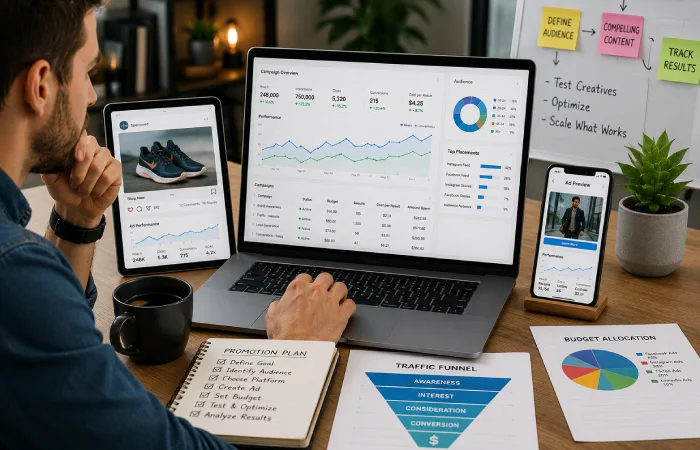
Spend enough time among business owners and you‘ll start to see the same handful of people again and again. They’re not promoting anything. They’re just answering questions, pointing people to useful resources, occasionally sharing something they learned. Six months in, everyone knows who they are. A year in, they’re getting inbound inquiries from people who’ve never seen their website. That’s what this category of social media work looks like when it’s done well — slow, invisible, and quietly very effective.
LinkedIn is where most businesses start with this, and for professional services and B2B it’s usually the right call. But there are industries where the real conversations are happening somewhere else entirely — a private Slack group, a subreddit, a Discord server, a local Facebook community. Most businesses have no idea their niche has any of those. An hour of searching is worth doing before assuming LinkedIn is the only option.
Networking-focused apps by use case
| Platform | Best Use | Practical Approach |
| B2B lead gen and thought leadership | Publishing articles, engaging in comments, LinkedIn DMs for outreach | |
| Slack communities | Industry-specific networking | Find niche Slack groups in your industry and participate genuinely |
| Discord | Brand community building | Strong for tech, gaming, creator economy — growing in B2B |
| Organic visibility in niche communities | Answering questions in relevant subreddits; no hard selling | |
| Nextdoor | Local business networking | Underutilized by most small businesses; strong local trust signal |
The failure mode in every one of these communities is identical. New account joins. New account posts a link to their website or a pitch for their service. New account gets ignored, reported, or removed. The businesses that actually get something out of community participation spend the first several months just being useful — no ask, no promotion, nothing to click. By the time they mention what they do, people already know them.
Building a Social Media App Stack That Actually Works
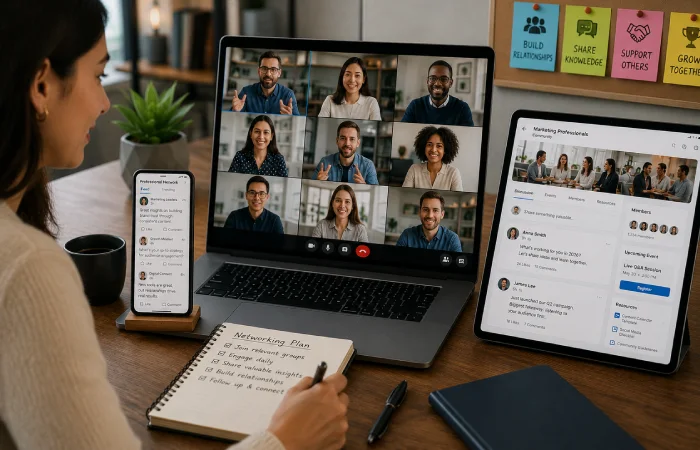
The goal isn’t a comprehensive tool collection — it’s the smallest number of tools that covers every job. For most businesses that’s five picks:
- One platform priority decision (where your buyers actually are)
- One management tool (to schedule, monitor, and report from one place)
- One content creation tool (Canva covers this for most)
- One paid promotion channel, once organic is working
- One networking presence, focused and consistent
Five total. Not five per category. The overhead of managing more tools than you need is real — more logins, more monthly invoices, more interfaces to check, more places where a post can get stuck in a draft and never go out. The businesses I’ve seen struggle most with social media almost always have more tools than they need and aren’t fully using any of them.
Free Audit Available : INC Marketing Place works with businesses that have been trying to make social media work without much to show for it — either building from scratch or untangling a setup that’s grown complicated and stopped performing. If that’s the situation, incmarketingplace.com is the starting point. First conversation is free. Usually pretty diagnostic.
FAQs
What are the best social media apps for small businesses?
Select one platform (Facebook or Instagram for local businesse/ service business, LinkedIn for B2B business), and spend 90 days on it, to build up your presence. Add Buffer or Metricool on the free plan for scheduling. Use Canva for graphics. That’s it. Don’t add anything else until you’ve proven those three are working. Most businesses asking this question are trying to build the full setup before they know what the basics produce.
Are free social media management apps good enough?
For a small business managing two or three accounts and posting a handful of times per week, the free plans are fine — Buffer’s, Later’s, Metricool’s. When you hit limits around the number of accounts you want to connect, the number of posts you want to schedule in advance, or the depth of historical analytics, the paid version starts to be worth it. Until it does, paying for it doesn’t.
How many social media apps does a business actually need?
Three. One platform. One scheduler. One design tool. That is a complete, functional social media setup for a small business and you can run it for free or close to it. Every business I can think of that was genuinely struggling with social had more than three tools and wasn’t using any of them consistently. An enterprise level tool, installed and ignored is worse than a rubbish free tool you actually use every day.
What’s the difference between a social media management app and a marketing app?
Management tools are for consistency. Marketing tools are for growth. Those are genuinely different functions and trying to cover both with one type of tool is why a lot of social media setups underperform. Hootsuite will help you post reliably — it won’t bring you new followers. Canva will make your content look good — it won’t schedule it. They do different things and both need to exist somewhere in the stack.
Which social media app has the best ROI for businesses in 2026?
No truly honest general answer here. B2B and professional services: LinkedIn generally wins, both for organic reach and paid ROI. Consumer product brands that have a visual product to showcase: Instagram still does well. TikTok is capable of serious organic reach if you‘ve got the right content format and the audience is present. Facebook‘s ad platform remains the best for local business, modest budgets and geographic targeting. What gets you the best ROI is the platform that your buyers use, the answer to this varies enough by industry that anyone trying to give you one is probably just talking about their own clients.
Are AI-powered social media apps worth it?
Useful for drafts. Not useful as final copy. The AI writing features in Buffer, Hootsuite, and similar tools are legitimately helpful for getting something on the page fast — you feed them a prompt, you get a starting point. What you can‘t do is post that draft without finally editing it. The delta in engagement level between an AI prepared post and a human edited copy of the same draft is measurable, and repeatable. It is a first draft tool. Edit before you post.

I’m Thomas — Editor & Admin of incmarketingplace, Blogger, and Senior SEO Analyst. writer at Inc Marketing Place, sharing insights on SEO, branding, content marketing, and online business growth. I focuses on creating practical and easy-to-understand content for marketers, entrepreneurs, and growing businesses